If you’ve been grinding Windrose for hours, there’s something worth paying attention to that has nothing to do with gameplay.
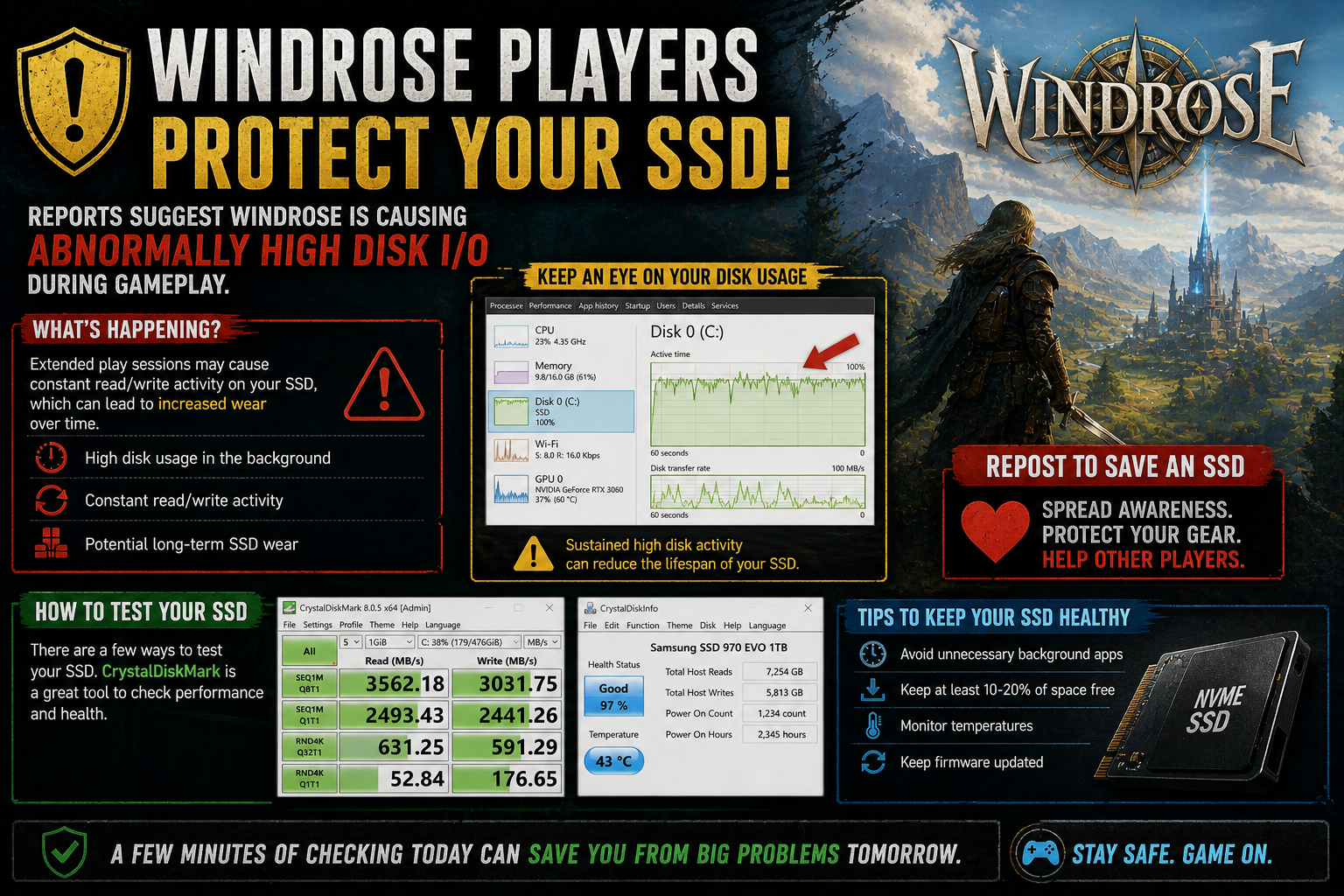
Some players have started reporting unusually high disk usage while playing, with the game allegedly generating more disk I/O than expected during normal sessions. It’s not something most people would notice right away, but over long play sessions, it could potentially have an impact on SSD wear.
It’s not panic mode, but it’s definitely something worth being aware of.
What’s Happening
Reports suggest that during gameplay, Windrose may be:
- Causing constant read/write activity on SSDs
- Generating higher-than-normal disk usage in the background
- Potentially increasing wear over long sessions
This doesn’t mean your SSD is about to fail, but sustained heavy I/O over time is something that can contribute to wear on storage devices.
How To Check Your SSD
If you’ve been playing a lot and want peace of mind, it’s a good idea to quickly check your drive health.
Tools you can use:
- CrystalDiskMark – Good for testing read/write performance
- CrystalDiskInfo – Shows overall SSD health and SMART data
These tools can give you a quick overview of how your drive is performing and whether anything looks off.
Personal Take
This is one of those things most players wouldn’t even think about, until something like this comes up.
Personally, I don’t think this is something to stress about immediately, but it is the kind of issue that’s worth checking early instead of ignoring. SSDs are durable, but they’re not invincible, especially if something is hammering them constantly in the background.
It’s also a reminder that sometimes performance issues aren’t just about FPS or GPU usage. There’s a whole layer of system activity most players never look at.
Small Tip
If you’re doing long sessions, it’s worth occasionally checking Task Manager → Disk usage while the game is running. If you see constant high activity, it might be worth keeping an eye on it.
Closing Thoughts
Windrose is still a fun game, but situations like this show how important it is to keep an eye on your system health, not just your gameplay performance.
It takes a few minutes to check your SSD, and it could save you from bigger issues later.
Sometimes the smartest move in gaming…
is just making sure your hardware is still happy.
About the Author